
Apply for a personal loan online
- Rent due on the 5th
- Money in on the 7th
- A repair that won’t wait
- A hospital deposit
When life moves faster than your income, you deserve a loan you understand before you sign.
Rinn, the personal loan app from Rinncrest, lets you apply online for a personal loan of ₹10,000 to ₹2,00,000 and repay over 3 to 24 months, whether you’re salaried, self-employed, freelance, gig worker or new to credit. Loans come from RBI-regulated lending partners, and you see your amount, rate, EMI, APR and every charge before you say yes. Applying is always free.
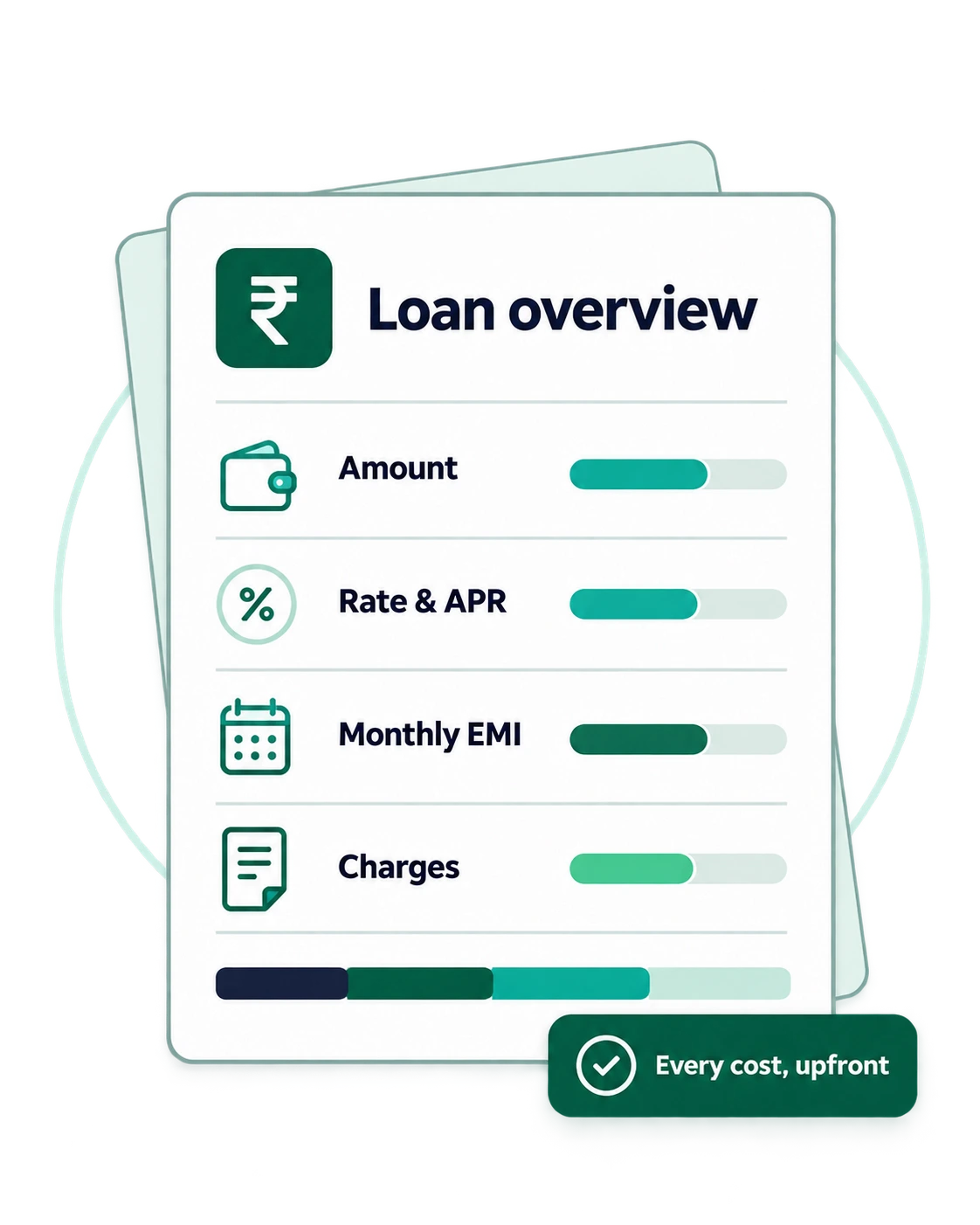
Rinn personal loan at a glance
Everything that matters, in one place. Your exact rate and EMI come from the lender, in your Key Fact Statement, before you accept.
- Loan amount: ₹10,000 to ₹2,00,000
- Interest rate: starts from 16% p.a., on a reducing balance
- Tenure: 3 to 24 months
- Who can apply: salaried, self-employed, freelance and gig earners who meet the conditions. See who can apply
- First loan: welcome. No credit history doesn’t automatically rule you out
- Cost to apply: ₹0. No upfront fee, ever
- Collateral: none. It’s an unsecured personal loan, with no guarantor
- Lender: an RBI-regulated lending partner, named in your Key Fact Statement
- Where to apply: the Rinn app, on Google Play (Android)
Who can apply for a Rinn personal loan
Salaried or self-employed, freelance or gig: Rinn is open to anyone who meets these conditions.
- Age: 18 to 55 on the date you apply
- KYC: a PAN and an Aadhaar for e-KYC, in your own name
- Bank account: a savings account in your own name
Find the page that sounds like you:
-
Salaried
Government, private or a new job. A regular salary is your starting point.
Personal loan for salaried employees -
Self-employed and shop owners
Your own practice, shop or trade. Rinn works as a self-employed loan app too: a personal loan in your name, with an EMI planned around slower months.
Personal loan for self-employed people -
Gig workers and freelancers
Weekly payouts or client invoices. No monthly salary slip needed to start.
Personal loan for gig workers and freelancers -
No salary slip?
A payslip is one way to show your income, not the only one. See what you can use instead.
Personal loan without a salary slip
A personal loan online, without the guesswork
Need money? Apply from your phone.
It's free to apply, and there's nothing to print or courier. Before you say yes, your Key Fact Statement shows exactly what you'll pay each month and in total, so the number you agree to is the number you pay. Once you accept, the lender sends the money straight to your bank account.
First loan? You're welcome here.
Never had a loan or a credit card? Having no credit history doesn't automatically rule you out. The lender looks at your whole profile, and a loan repaid on time starts your credit history on the right foot.
Treated fairly, start to finish.
If a month gets hard, tell us early through Help in the app. You'll be treated with respect, and every contact follows the lender's Fair Practices Code and RBI's rules.
How to apply for a personal loan online
Here's the whole journey, from your first tap to your last EMI: what you do in the app, and what our lending partner decides along the way. Choose a stage to see each step.
The lender reviews your application within minutes. When the money reaches you depends on the lender's checks, and the app shows you each stage as it happens, so you're never left guessing.
Before you start
Step 1. Check you're eligible. Aged 18 to 55, with the PAN, Aadhaar and bank account listed on the eligibility page →
Step 2. Work out what you can afford. Decide on an amount and an EMI that fit alongside your rent, groceries and other bills, not just in a good month. EMI calculator →
Apply
Step 3. Download Rinn from Google Play. Search for Rinn and check the developer reads Rinncrest Financial Technologies Private Limited. Never install it from a link or a file someone sends you. Get the app →
Step 4. Verify your mobile number. Enter your number and type in the code we text you. That code is for you to type into the app yourself; nobody from Rinn will ever ask you to read it out.
Step 5. Review and give your consents. Rinn explains what it needs and why, and asks for your consent for each purpose separately.
It asks for location once, when you apply, and your camera only for KYC. It never asks for your contacts, SMS, call logs or photo gallery. What the app asks your phone for →
Step 6. Tell us about yourself. Your employment, your monthly income and how much you'd like to borrow, over what tenure.
Step 7. Complete your KYC. Enter your PAN, verify your identity through CKYC or DigiLocker e-Aadhaar, take a live selfie, and add your bank account. Documents you'll need →
Step 8. Consent to a credit check. You'll be asked for separate, explicit consent before the lender makes a credit-bureau enquiry. You can decline, but the lender may then be unable to assess your application. If you're new to credit, having no history doesn't automatically rule you out.
Get a decision
Step 9. The lender assesses your application. It reviews your details, KYC, income and credit profile under its own credit policy. It may ask, through the app, for something more, such as proof of income.
Step 10. You get an answer. If the lender approves you, it makes an offer: an amount, a rate, a tenure and an EMI. The amount may be lower than what you asked for.
If you're not approved, Rinn tells you and you can apply again later; your application data is deleted within 30 days unless you agree to us keeping it.
Accept your loan
Step 11. Read your Key Fact Statement. Before you can accept, Rinn shows you the lender's KFS, with everything listed above, including the total you'll repay.
Take your time. You can leave at any point before you accept, at no cost; nothing is binding until you sign the loan agreement. Your KFS, explained → (page not available yet)
Step 12. Sign your loan agreement. If the terms work for you, accept and sign the agreement electronically in the app. You'll get copies of the KFS, the agreement and your repayment schedule in the app and by email.
Step 13. Set up your e-mandate. Authorise NACH or UPI AutoPay so EMIs are paid from your account to the lender's account on each due date. Your EMI date is shown in your KFS and repayment schedule before you accept.
Step 14. The lender pays you. It pays the loan directly into your bank account. The money never passes through Rinncrest. If any charge is deducted at disbursal, your KFS shows the exact net amount you'll receive.
Repay your loan
Step 15. Your cooling-off period starts. If you change your mind, you can exit the loan during the cooling-off period stated in your KFS by repaying the principal and proportionate APR, without a prepayment penalty. How cooling-off works →
Step 16. Repay your EMIs. EMIs are collected on the due dates through your e-mandate, or you can pay in the app.
Every payment goes to accounts in the lender's name, never to an individual, a personal UPI ID or in cash. Rinn reminds you before each due date. Repaying your loan →
Step 17. If a month gets difficult. Think you might miss an EMI? Tell us through Help in the app before the due date. It's easier to find a way through early, and you'll be treated with respect. If an EMI is missed, the Rinn team will contact you on the lender's behalf, politely and within the rules below. If you miss or expect to miss an EMI →
If a payment is missed: how you'll be treated
You'll only ever hear from Rinncrest's own team, never an outside recovery agency. Rinncrest is the lender's authorised recovery agent for Rinn loans, and your loan documents name it in that role. Its team handles reminders, collections and recovery on the lender's behalf, under the lender's authorisation and Fair Practices Code.
Every contact follows the lender's Fair Practices Code and RBI's rules on recovery. That means:
- no calls at unreasonable hours
- no threats or abuse
- no harassing or embarrassing your family, friends or colleagues
Step 18. Paying early. Paying early or closing your loan →
Close your loan
Step 19. Your last EMI. Once the final EMI is received, the lender closes your loan and the e-mandate is cancelled so nothing more is debited.
Step 20. Your no-dues confirmation. The lender issues a no-dues certificate (NOC), which you can download in the app. Keep it safe.
Step 21. Your credit report updates. The lender reports the closed loan to the credit bureaus. A loan repaid on time strengthens your credit history. Your loan and your credit report → · Closing your loan and getting your NOC →
Documents required for a personal loan
Have your PAN, your Aadhaar, your bank details and your phone's camera ready, and you have almost everything. It all happens in the app: nothing to print, courier or sign on paper.
Rinn collects your documents in the app on behalf of the lender, which uses them to verify your identity and assess your application.
- Digital process
- No physical paperwork
- No branch visit
Required for your application
-
PAN
Why it's needed: Identity, tax ID and the credit-bureau check
-
Aadhaar
Why it's needed: Identity and address verification (e-KYC)
-
Live selfie
Why it's needed: To confirm the person applying is you
-
Savings bank account in your own name
Why it's needed: Where the lender pays your loan and collects EMIs
You may also be asked for
Depending on your application, the lender may ask for more. Any request comes through the app.
-
Employment and income details
Why it's needed: So the lender can assess what you can comfortably repay
-
Proof of income, if asked
Why it's needed: To confirm your income
Never send documents outside the app
Rinn will never ask you to send your PAN, Aadhaar, bank statements or a selfie by WhatsApp, SMS, email or social media, or to share them with someone who calls you. If anyone asks, it isn't us.
Staying safe from fake loan apps
Rinn will never:
- Ask you to pay before your loan reaches you. No "processing deposit", "verification charge" or "insurance fee" to release a loan. Applying is free.
- Ask you to read out an OTP, PIN or password. You'll type codes into the Rinn app yourself. Nobody from Rinn will call, message or email asking you to share one.
- Ask you to repay into a personal account. EMIs go only to the lender's accounts, through the app or your e-mandate. Never to an individual, a personal UPI ID, or in cash.
- Send you the app as a file. Rinn exists only on Google Play. An APK on WhatsApp or SMS isn't from us.
- Go through your phonebook. Rinn doesn't read your contacts, so it can't message the people in them.
How to check any loan app in RBI's list of Digital Lending Apps
Do this before you install or share anything. It takes about two minutes.
- Open the Reserve Bank of India website: rbi.org.in.
- Go to Citizen's Corner and open DLAs deployed by Regulated Entities.
- Search for the app's exact name, for example Rinn.
- Check the lender listed against the app. It should be the RBI-regulated lender named in the app's Key Fact Statement.
- If the app isn't in the list, or the lender doesn't match, don't install it. Report it on RBI Sachet.
Get an Instant Loan with Rinn
Ready when you are. Rinn is available for Android phones on Google Play, and applying costs nothing.

If something goes wrong at any step
Use Help in the app or write to support@rinncrest.in or call +91 81003 92196. If you're not satisfied, contact our Grievance Redressal Officer, Bipasa Adhikary, at grievance@rinncrest.in or +91 82309 07903. For matters about the loan itself you can also contact the lender's grievance officer. The full escalation path, including RBI, is on our grievance page.
Frequently asked questions
Is Rinn a real loan app?
Rinn is the personal loan app of Rinncrest Financial Technologies Private Limited, headquartered in Kolkata. Loans through the app are provided by RBI-regulated lending partners (NBFCs and banks). Check the Google Play developer name and our official channels to be sure you have the genuine app.
Who lends the money, and does Rinncrest decide?
Loans on Rinn are provided by RBI-regulated lending partners (NBFCs and banks). The lender for your loan is named in your Key Fact Statement before you accept, and all current partners are listed on our Lending Partners page. The lender makes every credit decision and sets your terms. It pays the loan directly into your own bank account, and your EMIs go directly back to its account; money never passes through Rinncrest.
How much personal loan can I get through Rinn?
You can apply for ₹10,000 to ₹2,00,000. The amount you're offered depends on the lender's assessment of your income, existing commitments and credit profile, and may be lower than what you asked for.
What is the Rinn personal loan interest rate?
Interest starts from 16% p.a. Your actual rate is set by the lender after it assesses your application, and it's shown with your EMI, APR and charges in your Key Fact Statement before you accept.
Is there a processing fee?
Any applicable charges, such as a processing fee, are shown in your Key Fact Statement before you accept. Nothing is collected before disbursal, and Rinncrest itself doesn't charge borrowers.
Do I need collateral or a guarantor?
No. This is an unsecured personal loan. Your Aadhaar is used only to verify your identity during KYC; it isn't security for the loan and gives no one access to your money or property.
How quickly can I get my loan?
Get started in minutes with Rinn. Once you complete your KYC and the lender approves your application, the loan amount is disbursed directly to your bank account after you accept the offer. Actual approval and disbursal times may vary.
Can I get a loan with just Aadhaar and PAN?
Aadhaar and PAN are the core of your KYC, but they don't decide approval on their own. The lender also assesses your income, existing commitments and credit profile, and may ask for proof of income, such as a recent salary slip or a bank statement. If it does, the app tells you exactly what to upload.
Does Rinn check my credit score?
Yes, with your permission. The lender makes a credit-bureau enquiry only after you give separate, explicit consent in the app. If you're new to credit, having no history doesn't automatically rule you out. Your loan and your credit report →
Can self-employed people apply?
Yes. If you meet the conditions, you can apply, whether you run a shop, a practice or your own trade. The lender decides which income proof it needs. Personal loan for self-employed people →
Is Rinn on iPhone, or is there a separate Rinncrest app?
Coming soon on iOS. For now Rinn is on Android only, and any app called Rinn on the App Store is not ours. Rinncrest is the company and Rinn is its only app; on Google Play, Rinn's developer is listed as Rinncrest Financial Technologies Private Limited.
Can I delete my Rinn account?
Yes. You can request deletion in the app or on our delete account page. If you have an active loan, some records must be kept until it closes and for the periods the law requires; we'll tell you what's kept and why.